
You open Google Antigravity, select Gemini 3.1 Pro (High) from the dropdown menu and... nothing. Instead of a response, you get a cold error message:
"Gemini 3.1 Pro is not available on this version. Please upgrade to the latest version."
Sound familiar? You're not alone. Since Google released Gemini 3.1 Pro on February 19, 2026, hundreds of developers worldwide have been hitting this exact issue. The model shows up in the menu, but the environment refuses to communicate with it.
The good news? The fix takes less than 5 minutes. In this article, we'll show you step by step how to update Antigravity, why this error occurs, and what new capabilities come with Gemini 3.1 Pro.
Why Does This Error Appear?

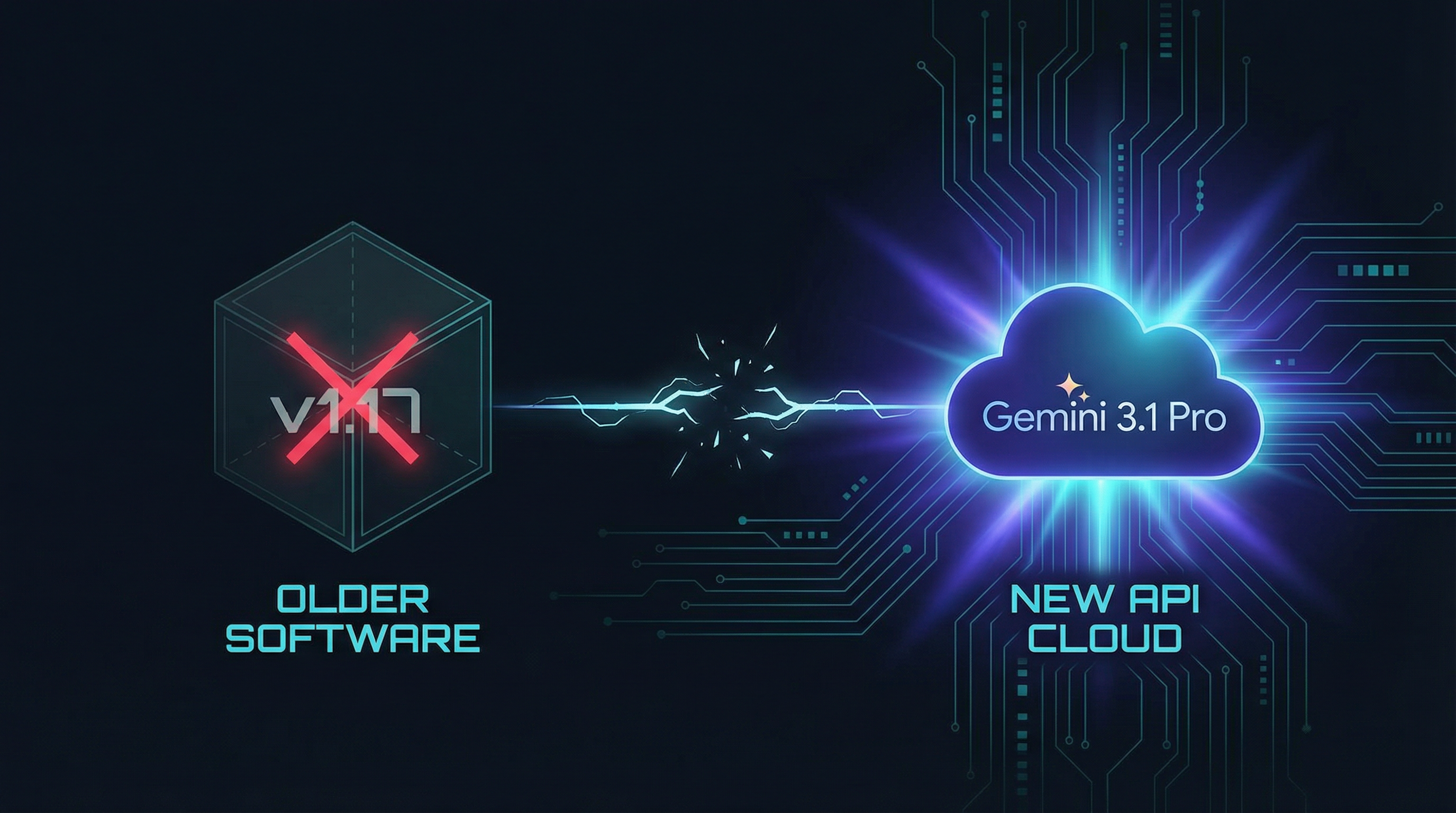
The problem is surprisingly simple. When Google released Gemini 3.1 Pro, they also updated the API that Antigravity uses to communicate with the models. The old version of Antigravity (before v1.18.3) simply doesn't know how to "talk" to the new API.
Here's what happens in practice:
- The interface updates automatically — that's why you can see Gemini 3.1 Pro in the dropdown menu
- The underlying software does NOT update automatically — there's no obvious update button within the environment
- The result: the menu shows the model, but any attempt to communicate triggers the error
The reality is that Antigravity still doesn't have auto-update functionality. Google is working on it, but for now you need to update manually.
Step by Step: How to Update Antigravity for Gemini 3.1 Pro
Time required: 3-5 minutes
Target version: Antigravity v1.18.3 or newer
Difficulty: Easy — no programming skills needed
Step 1: Download the New Installer
Go to the official website antigravity.google and download the latest version for your operating system (Windows, macOS, or Linux).
Step 2: Install Over the Old Version
Run the downloaded file. You do NOT need to uninstall the old version! The installer will only update the necessary files while preserving:
- All your settings and configurations
- Installed extensions
- Your chat history
- Custom themes and layouts
Step 3: Restart Antigravity
After installation, completely close Antigravity. Check your system tray too — sometimes it keeps running in the background. Then launch it again.
Step 4: Confirm It Works
Select Gemini 3.1 Pro (High) from the dropdown menu and try typing something. If you get a response — you're done, the problem is solved!
For Linux users: You can also update via the package manager with
sudo apt update && sudo apt upgrade antigravity
Bonus: Updating Extensions
If you're using unofficial access extensions like opencode-antigravity-auth, you'll need to update those as well. Go to the Extensions menu and click "Update" on any extension that shows an available update.
What's New in Gemini 3.1 Pro?
Now that you have access, here's why the update is worth it:
- 2x better logical reasoning — on the ARC-AGI-2 benchmark, Gemini 3.1 Pro scored 77.1%, more than double compared to 3.0 Pro
- 1 million token context — you can load entire projects and codebases for analysis
- 64K token output — longer and more detailed responses
- Three thinking levels (Low, Medium, High) — choose the balance between speed and quality
- Improved agentic workflows — the model can plan and execute complex multi-step tasks
Perhaps the most impressive change is the model's ability to plan architecturally before writing code. Instead of jumping straight to a solution, 3.1 Pro first builds a comprehensive plan and then executes it step by step.
Frequently Asked Questions
Will I lose my settings when updating?
No. The installer preserves all your settings, extensions, and chat history.
Can I go back to the old version?
Technically yes, but there's no reason to — Gemini 3.0 Pro is no longer actively supported and will be discontinued soon.
Is Gemini 3.1 Pro free in Antigravity?
Gemini 3.1 Pro is available for users with a Google AI Pro or Ultra plan. Free accounts can use Gemini Flash.
Does the update work on macOS and Linux?
Yes. The process is identical on all platforms. On Linux, you have the additional option of updating via apt.
Conclusion
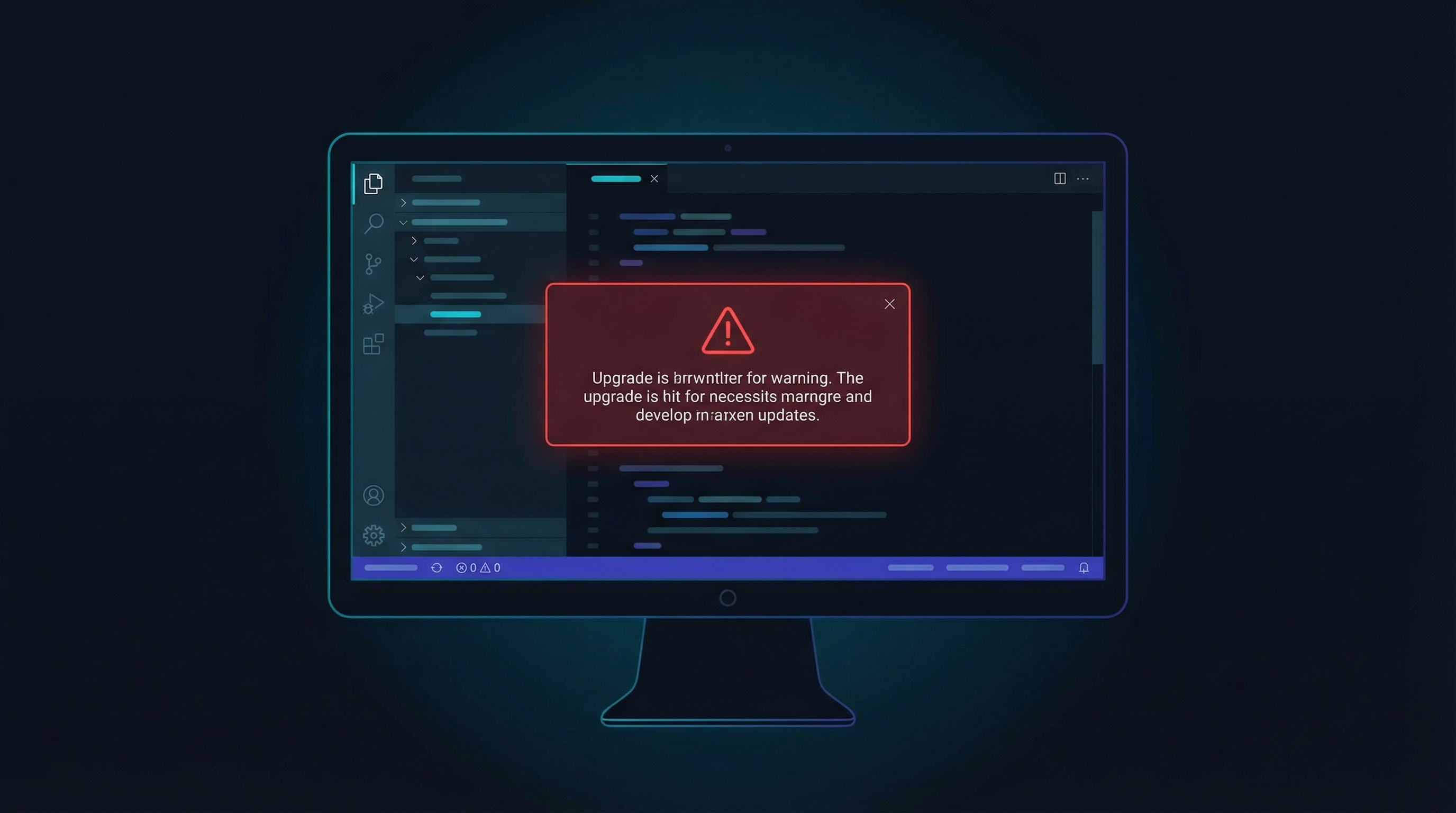
The error "Gemini 3.1 Pro is not available on this version" sounds alarming, but the fix is dead simple — just download and install the new version of Antigravity from antigravity.google.
With Gemini 3.1 Pro you get a significantly smarter model with doubled reasoning performance, 1M token context, and new agentic capabilities. The update is absolutely worth it.
If this problem cost you wasted time, share this article with fellow developers — chances are they're dealing with the same issue.
Want to automate your business processes with AI? Check out what we offer at simplifyopsco.com — from AI voice receptionists to full workflow automation.